Networking profile
Enable networking features for the members of the business community attending your event.
The set of networking features
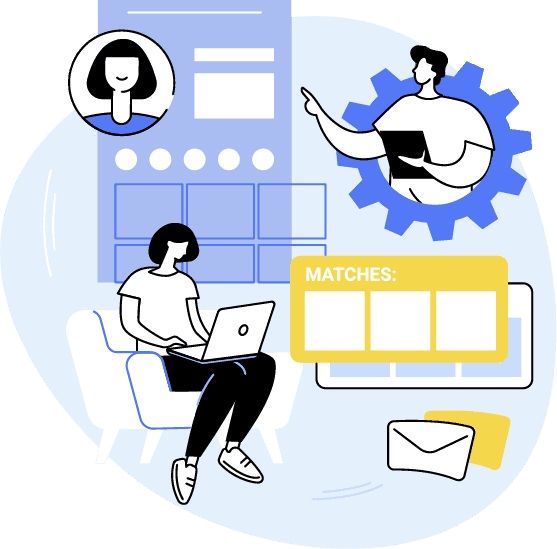
The networking profile in Meetive gives users the set of features for scheduling and managing meetings, presenting their company on the marketplace, and talking and interacting with the business community.
Personal profile
Once registered for the networking event, users have access to a personal profile from which they manage the activities they take part in, schedule meetings, and start chats and video calls with other attendees.
Company editor and landing page
For networking events with a Marketplace, Meetive provides features for managing company information on the Marketplace, reserved to the users designated as company representatives. From their profile, these users reach the company page Editor, where they can add text, images, videos, documents and brochures to describe their company.
Internal chat
Attendee profiles have access to the internal chat, where they can talk to the companies on the Marketplace and at the Virtual Trade Fair.
Video call
From their profile, attendees can start video call meetings with the participating companies without leaving the platform.
Managing meeting requests
Inside their personal profile, users taking part in networking meetings have the features to accept the meeting requests they receive and to schedule meetings, choosing from the time slots the system suggests based on attendees' availability. They can also track the meeting requests they have sent to the companies on the Marketplace.
Agenda and calendar
The personal agenda brings together every activity a user has chosen to join: meetings scheduled with companies on the Marketplace, webinars, conferences and workshops. Each meeting shows the date, time and table if it is in person, or the button to enter the virtual room where online meetings take place. For every scheduled B2B meeting, the agenda also gives access to the internal chat to talk to the other party.
Boost your event's performance
A dashboard with features and analytics front and centre, reports you can customise and download at any time, automatic emails sent straight from the platform, B2B scheduling optimised with an interactive agenda.