Attendee registration
Define a different registration flow for each of the attendance formats enabled for your event.
Build the registration flow
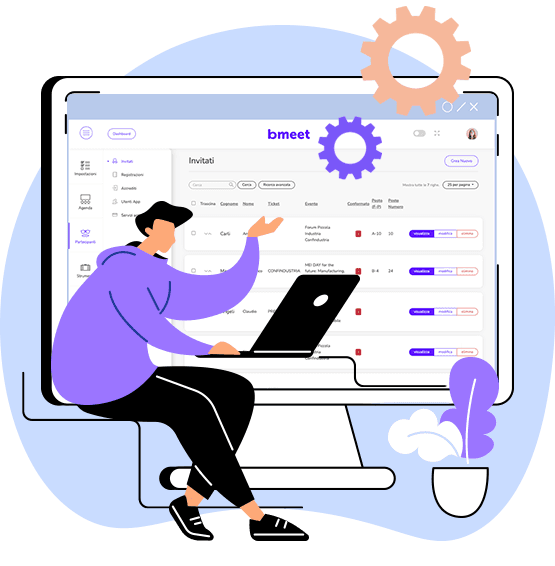
With Meetive you can build the attendee registration flow, selecting and customising the information asked of users and linking each flow to a user profile that will have access to different features and activities depending on the choices made during registration.
Registration form
The registration form can be customised by attendee type, setting which fields appear according to the choices the user makes. It also handles the privacy notice and privacy policy documents.
User attendance types
Features are available to customise user types, enabling access to the specific activities assigned to each profile. You can set up visitor accounts, company profile managers active on the marketplace to request meetings, sponsor profiles, dignitaries with access to restricted events, and users linked to a company profile with access to the meeting request features.
Managing user registrations and visibility
Meetive gives organisers features to manage user registrations, making company profiles visible on the Marketplace and enabling the features for sending meeting requests.
Managing invitation lists
Among the registration management features in the Control Panel, you can monitor and update the status of the meeting requests sent and scheduled. You can download the B2B data, filtering by format — online or in person — by requester or recipient, or by status: declined, accepted, pending, cancelled, in chat.
Boost your event's performance
A dashboard with features and analytics front and centre, reports you can customise and download at any time, automatic emails sent straight from the platform, B2B scheduling optimised with an interactive agenda.